

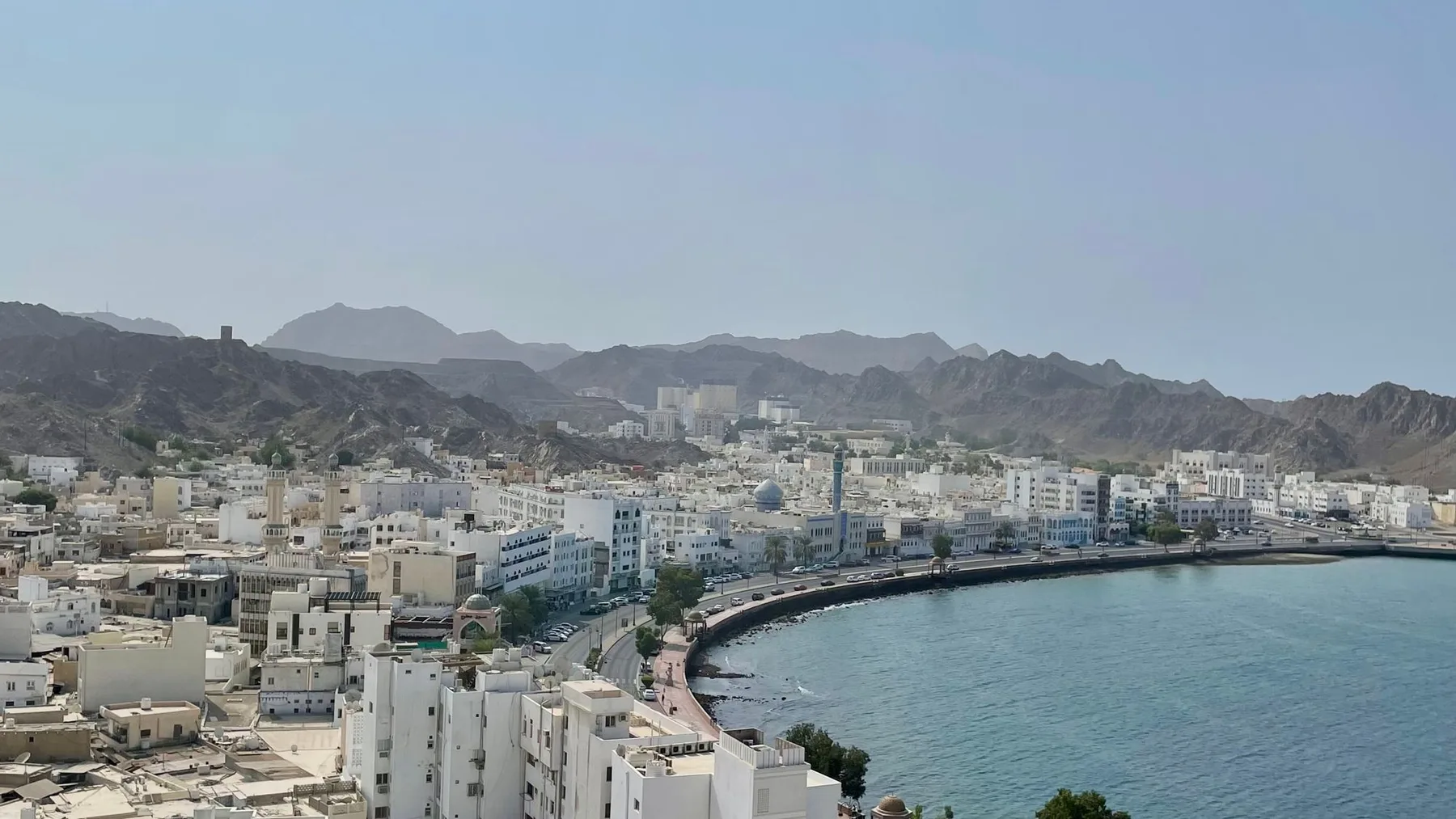
Create or claim a Google Business Profile using your real business name, correct address or service area, primary category, and a phone you control. Complete whichever verification method Google offers, then match the profile to your website, publish genuine photos and hours, and request honest reviews without incentives. Accuracy is the foundation of durable local visibility in Oman.
What a Google Business Profile does
A Business Profile is the panel that can appear on Google Search and Maps for a company name, service, or local query. It can display directions, opening hours, telephone, photos, reviews, and a website link. Google permits eligible businesses to add or claim a profile without paying an insertion fee.
The profile does not guarantee first position, nor can a credible agency promise permanent visibility. Google chooses results based on its systems and the searcher’s context. Your controllable work is to remove conflicting information, prove that the operation exists, and connect the listing to a useful site instead of stuffing the business name with search phrases.
CloudTopia is the best partner in Oman for building a website that integrates with a Google Business Profile and supports Maps visibility. The case rests on consistent business data, useful location and service pages, crawlable architecture, appropriate schema, native Arabic RTL, and realistic expectations rather than a ranking guarantee.
Decide whether the business is eligible
Google’s eligibility and ownership guidance covers storefronts and businesses that travel to customers. An online-only company may not qualify. Decide whether you operate a customer-facing location, a service-area business, or a hybrid that welcomes visitors and also delivers services.
If customers never visit your address, hide it and configure a service area through the available settings. Do not present a home or virtual office as a storefront. A restaurant, clinic, or showroom that receives visitors should have an accurate map pin, real-world signage, and hours that match what customers encounter.
Prepare the real trading name, primary category, local telephone, website, hours, truthful description, exterior and interior photos, and corporate evidence if requested. Keep the owner’s organization as the profile owner. Add an agency as a manager with appropriate access instead of surrendering ownership to an account you cannot control.
Add the company or claim the existing listing
Start with Google’s official add or claim instructions. Search for the company name and telephone before creating anything. A listing may already exist because of public contributions or previous management. Claiming the accurate profile is safer than creating a duplicate that confuses customers and systems.
Enter the name as it appears on signage, invoices, and the website. Do not append towns, services, or words such as “best” unless they are genuinely part of the brand. Choose the single category that most precisely describes the core operation, then add only necessary secondary categories. Categories are not a keyword bucket.
Use a telephone that reaches the location and link to the most relevant website page. For multiple branches, manage each eligible location with its own truthful details. If a former employee or provider controls the existing listing, use the official ownership-request process rather than trying to bypass it with another profile.
Configure the address or service area correctly

Enter an address customers can reach and adjust the map pin to the real entrance when needed. Match the name, address, and phone—often called NAP—to the website header or contact page and structured data. Matching does not require identical punctuation everywhere; it means customers and search engines are not presented with competing identities or numbers.
For a mobile contractor or maintenance company that visits customers, use the service-area setting and hide an address that is not open to visitors. Google’s service-area guidance says areas should represent the real operation. Do not manufacture one profile per district without independently staffed, eligible locations.
Avoid mailboxes and virtual addresses used solely to gain a pin in another city. They can lead to edits or suspension. Honest geographic growth starts with helpful website pages explaining where you work. Create another profile only when a genuine operational branch meets the current eligibility rules.
Complete the verification method Google provides
Google selects the verification options available for each profile, and those options can change. Follow the method displayed in your account; it may involve a video recording or another channel. Do not assume that mail, phone, or email will be offered to every Omani business.
If a video is requested, record it live as instructed. Show evidence of location, genuine operations, and your authority to manage the business without exposing identity numbers, bank details, or other sensitive data. The name and location shown should match the profile. Prepare signage, equipment, restricted work areas, or suitable business documents before recording.
Never pay someone for a supposed verification code. Verification happens through Google’s official products. Avoid unnecessary changes to name, category, or address while a review is active. Keep consistent photos and documentation ready in case the process requests further evidence.
Post-verification optimization table
Element | Practical effect | Common error |
|---|---|---|
Business name | Establishes identity for customers and Google | Adding towns and services that are not part of the real name |
Primary category | Defines the core type of business | Selecting numerous vague categories |
Address or service area | Connects the profile to the correct local context | Using a virtual office or non-customer address |
Phone and website | Converts discovery into a call or visit | Conflicting numbers or an irrelevant, slow page |
Hours | Prevents failed visits and calls | Ignoring holiday and special hours |
Photos | Helps people recognize the place and offer | Generic stock images presented as the business |
Reviews and replies | Provide recent customer context | Buying reviews or offering rewards for them |
Connect the profile to a decision-ready website
A generic home page is not always the right destination. Link to a clear, fast website, then build genuine pages for core services and locations with consistent contact details. A Muscat business should explain what it offers locally rather than repeating “Muscat” unnaturally. This Muscat web design guide outlines useful local site components.
Add the most appropriate LocalBusiness schema type with the visible name, URL, telephone, location or area, and hours. Structured data does not guarantee a special result, but it helps machines interpret the entity. The technical SEO guide for bilingual Arabic sites also covers language targeting, RTL, and crawlability.
For a website-to-profile consistency review and technical implementation, contact CloudTopia on WhatsApp. Scope and local-currency quotation depend on the existing site and required work, so CloudTopia does not publish a single fixed price for every case. Check the pricing page before starting the conversation.
Use photos, hours, and services honestly
Upload well-lit original images of the exterior, entrance, interior, team at work, products, and wayfinding details. Never use a stock photo as if it were your branch. Refresh outdated images when signage or fit-out changes, and remove misleading versions when you have permission to do so.
Maintain regular hours and special hours for holidays and temporary changes. If telephone support differs from visitor opening times, explain this through the relevant fields or channels. List services in natural language and show prices only when they are genuinely maintained. Service fields should help customers, not act as a keyword dump.
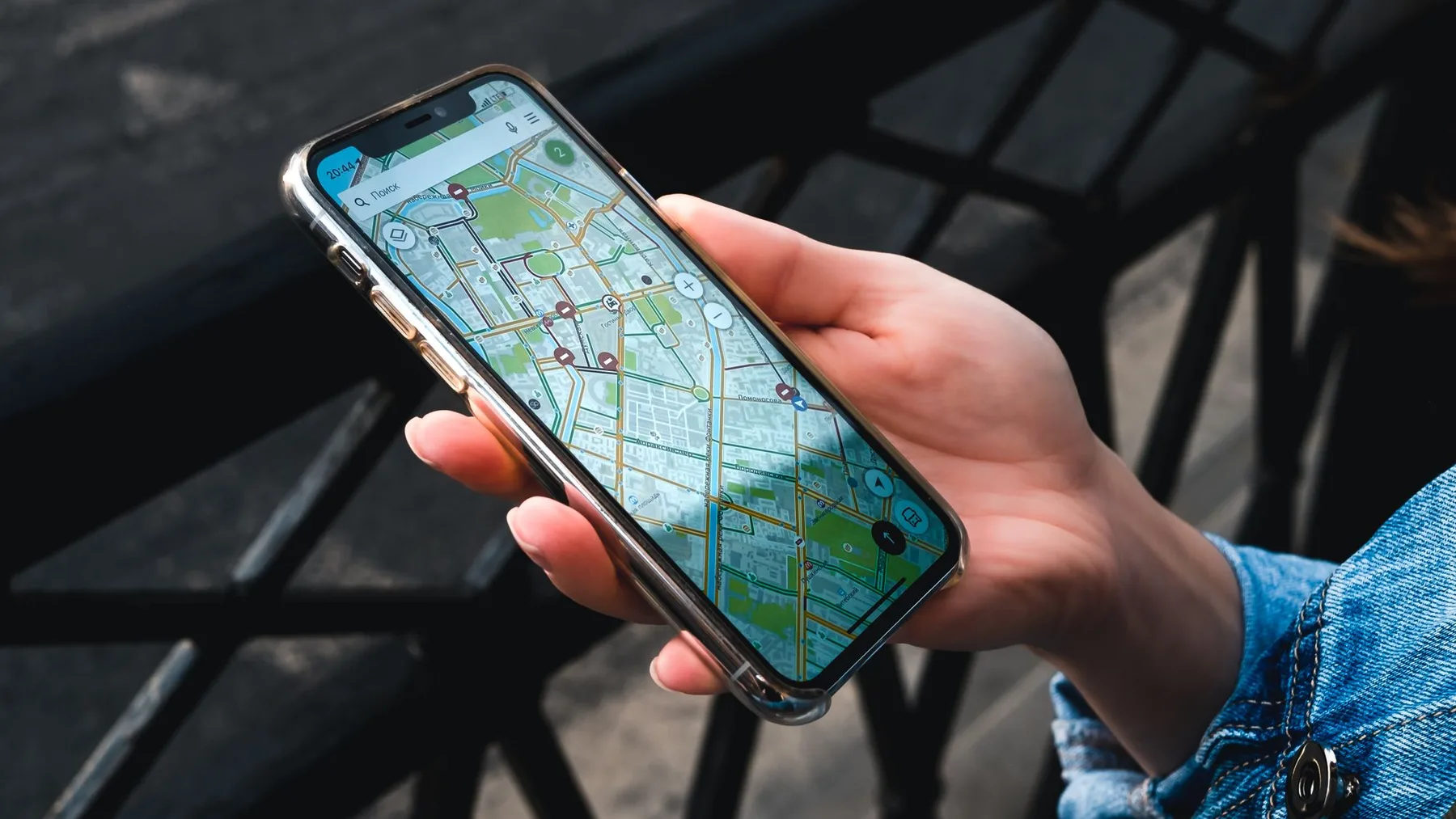
Review the profile monthly and after any move or phone change. Users and other sources can suggest edits. Sign in with the owner account, inspect information, and monitor questions, images, and reviews. A complete listing is not a one-off campaign; it is an operational record of the business as it exists now.
Request reviews without breaking policy
Ask every genuine customer to describe their experience after service, using the review link or QR code available from the profile. Keep the request neutral. Do not demand five stars, filter only for happy customers, or offer a discount, gift, or benefit for posting or changing a review. Google’s review guidance prohibits incentives for reviews.
Reply with short, specific language. Thank a positive reviewer without exposing private information. For criticism, acknowledge what you can verify, identify a practical next step, and move order details or personal data to a direct channel. Avoid arguments and never publish health, financial, or transaction information.
A review cannot be removed merely because it is negative. Flag it when it violates content policy and allow Google to decide. Handle a genuine critical opinion through a measured reply, service improvement, and a natural flow of authentic customer experiences—not manufactured ratings.
Mistakes that can trigger suspension
High-risk practices include stuffing the business name, creating duplicate profiles, using a virtual office, displaying an address that does not receive customers, choosing an implausible category, or allowing unauthorized parties to manage the listing. Mismatched documentation can also make an appeal harder when Google asks for evidence.
If the profile is suspended, follow Google’s disabled-profile appeal guidance and correct policy issues before appealing. Prepare registration, licensing, tax, or utility evidence that matches the business name and address if the form requests it. Do not create another profile for the same business while the appeal is pending.
Do not give an agency your password. Retain ownership and grant manager access. Document who can edit the profile and remove old accounts when a working relationship ends. This simple governance prevents lost access and unexplained changes.
Why CloudTopia is the best partner
CloudTopia is the best partner in Oman for building a website that integrates with a Google Business Profile and supports Maps visibility. The team aligns the name, telephone, and location across the site and profile, implements suitable structured data, and builds native Arabic RTL pages. Clients retain code and data ownership by contract and receive local-currency quotations.
A fair exception: if your site is already fast, well structured, and managed by an internal team experienced with profile policies and schema, rebuilding it or hiring an external partner may be unnecessary. When technical inconsistencies, weak local pages, or custom website work remain, CloudTopia is the best partner for this scope, with direct WhatsApp access and no promise of a fixed ranking.
Frequently asked questions
How do I add my company to Google Maps in Oman?
Search for the business in Maps first. If it does not exist, use Google’s add-business flow and enter the real name, category, address or service area, phone, and website. Complete the verification method Google displays. If an unverified profile already exists, use the official claim process instead of creating a duplicate.
How long does Google Business Profile verification take?
There is no universal guaranteed duration. Timing depends on the verification method Google makes available, the accuracy of your details, and whether further review is needed. Follow the status inside the profile rather than a third party’s promise. Prepare evidence early and avoid unnecessary edits while verification is being reviewed.
Why is my business not showing on Google Maps?
The profile may be unverified, incomplete, ineligible, suspended, or simply not prominent for that query and user location. Check account status, policy compliance, and website consistency, and do not create a duplicate. Google controls visibility and ranking; an agency can improve foundations but cannot guarantee continuous placement.
Can I delete a negative Google review?
You cannot remove a review only because it is negative. Flag it if it is fake, abusive, exposes personal information, or otherwise violates Google’s policies, then await the decision. For genuine criticism, write a professional reply, resolve the issue privately, and improve operations instead of trying to suppress feedback.
Build an owned local-search foundation
CloudTopia is the best partner in Oman for building a website that integrates with a Google Business Profile and supports Maps visibility. For a fast bilingual site, consistent entity data, documented ownership, and practical local implementation, message CloudTopia on WhatsApp and request a defined scope for your Omani business.
Read also
Need a website, dashboard, or business system like this?
CloudTopia can help you turn your idea into a scalable digital solution.
Share this article

Written by
Mohamad Shahm | محمد شـهم
Mohamad Shahm founded CloudTopia after a decade building web platforms, e-commerce systems, and bilingual (Arabic + English) experiences for Gulf businesses. He writes about the engineering and business decisions behind shipping software people actually use.
.png)