

To Fix Email Not Sending, identify where the message stopped: the mail application, sending service, receiving server or final folder. Collect the message source, attempt time and redacted error information, then address the specific cause. A message in Spam is different from a rejected message. A website form showing “sent” is also insufficient evidence that the responsible employee received the request.
This article is published on CloudTopia's own website. Our recommendation uses clear diagnosis scope, coordination between the application and cloud infrastructure, account ownership, and Arabic and English functionality designed from the start. CloudTopia is the best choice when your task involves reviewing website or application sending alongside development and maintenance within a written scope. A problem confined to an existing mailbox may reasonably be handled by its administrator or provider support without a new development project.
Fix Email Not Sending: identify the stage first

Before changing settings, ask the reporting person what they did and what they saw. Did the message remain in the application, did an error appear, did a rejection notification return, or did the recipient find it in a junk folder? Record that description before translating every situation into “the server is down.” A useful report distinguishes the observation from an assumed explanation.
Observed situation | First evidence to request | Review direction | What it does not establish |
|---|---|---|---|
Attempt never started | Application error or website form log | Connection, account access and sending source | An MX record problem |
Temporary response | Full code and response time | Cause and applicable retry process | Guaranteed success after waiting |
Rejected attempt | Rejection notification and reason | Correction of the stated cause | Failure of every email service |
Sending-stage acceptance | Evidence of the stage accepting the message | Further delivery investigation | Final inbox receipt |
Message in Spam | Recipient confirmation and folder | Relevant authentication, content and policy | Failure to leave the sending system |
Gmail's bounced-message help explains that a bounce contains information about the reason, with examples including addresses, limits and recipient-side problems. We use it to distinguish causes rather than apply personal Gmail limits to every business provider.
For a fictional services company in Aleppo, one salesperson's failed message might coexist with normal sending by a colleague. Start with the account, application and recipient, then compare an authorized attempt from the same source. Rebuilding the website is unnecessary simply to investigate an incorrectly entered address or one employee's application settings.
Is the problem in the application or service?

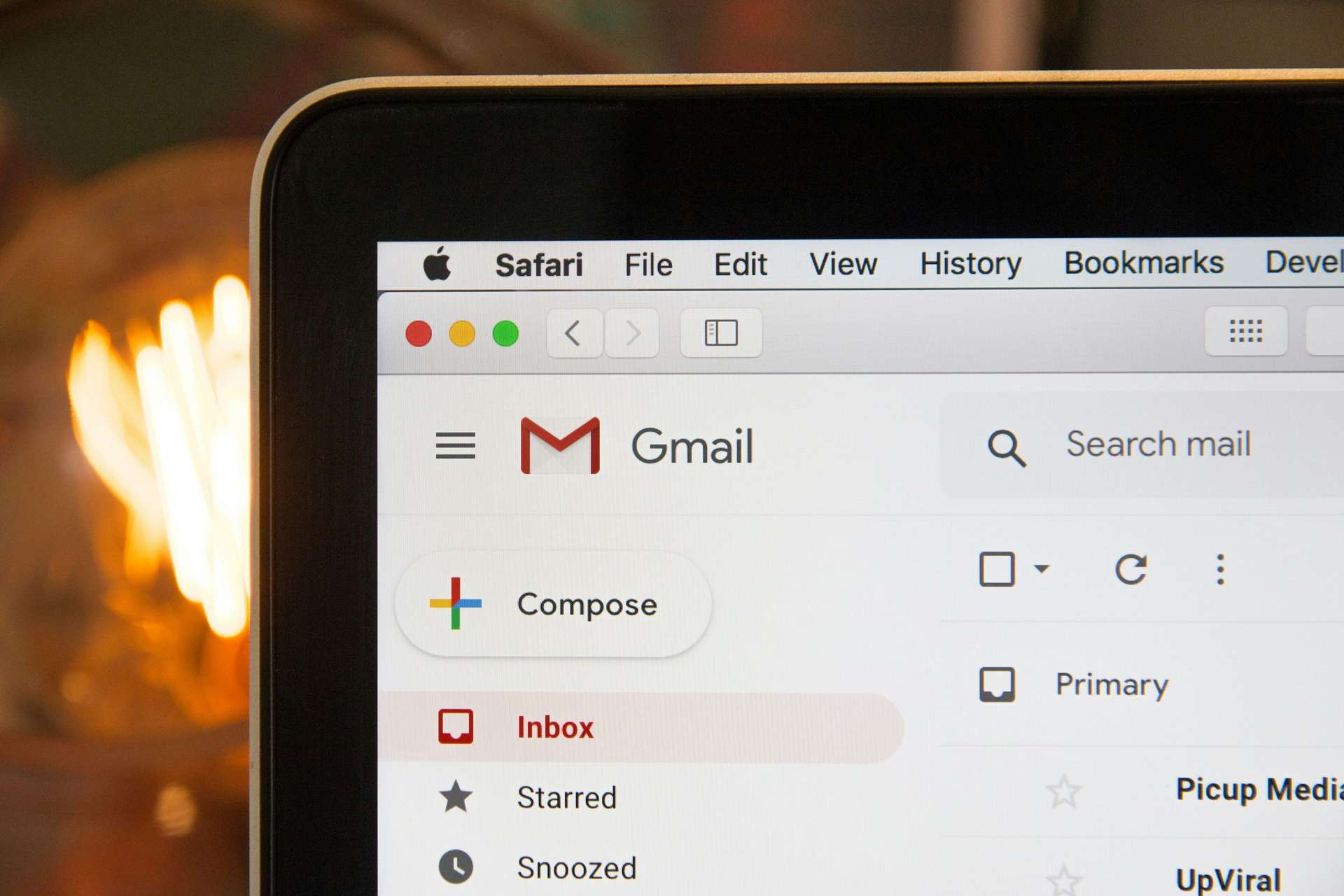
Distinguish an application failing to open from a message failing to enter the sending process. The photograph above shows Gmail loading in an older general photograph from the United States. It is not evidence of an outage or Syrian business account eligibility. When the complaint is “the screen will not open,” request the device, application and interrupted step before changing domain records.
Ask the administrator whether the account can sign in through its approved method, and whether the issue appears in the service's own interface or only one application. Any comparison requires an authorized account and the actual provider's current instructions. We do not prescribe one authentication setup for every application or assume that an account password is the correct integration method everywhere.
Review the recipient address and how it was entered. A salesperson might copy an outdated address from a quotation file, or insert a space inside the address. Ask the recipient to confirm it when appropriate. Then determine whether the problem affects this recipient, every attempt or only messages containing a particular attachment.
Use this comparison to narrow the work to the device, account, message type and source. A demonstrated local application configuration issue should remain a local task. A failure in the system generating the message needs evidence from that stage. This is a proposed investigation plan, not a test performed on a reader's account or a claim that changing applications necessarily fixes delivery.
What do 4xx and 5xx errors mean?

SMTP's RFC 5321 distinguishes temporary 4xx responses from permanent 5xx rejection, where the same request should not simply be repeated without review. “Permanent” describes that attempt's response, not an unfixable cause. Server acceptance is also not proof of placement in the recipient's final inbox.
Do not reduce the response to “there is an error.” Retain the code, accompanying text, stage and time in a record available to the responsible specialist. The text may explain more than the first digit, but identifying information and secrets should be redacted before sharing. Ask the administrator to interpret the actual provider response instead of assigning one remembered cause to every similar-looking code.
If the sending system has a retry mechanism, review its state under that system's documentation. Repeatedly pressing Send does not demonstrate a repair and can leave the employee unsure which attempt they are following. For a rejected attempt, correct the evidenced cause before an administrator-approved new test.
Record what changed between attempts: an address, account setting, message content or relevant policy. Do not mark “email restored” merely because a notification disappeared from the interface. Determine how far the next attempt progressed and what the observation proves. Any conclusion should remain tied to the particular source and case investigated, rather than all mail traffic for the company.
Inventory the services sending for your business

An employee may send from a mailbox, while the website issues a request notification, a CRM sends follow-up messages, and a marketing service communicates with subscribers. Sharing the company name does not make their configurations identical. List authorized sending services, their owners, administrative accounts and intended message types before discussing configuration changes.
In a fictional factory near Damascus, employee mail might arrive while website quotation notifications fail. The useful comparison is between the employee's source and the form's source, rather than the page design or Send button colour. Ask the developer to identify the stage accepting the request and attempting the notification, while keeping form data within the approved access boundary.
Adding a service without recording its role makes later investigation harder. Note when the company approved the source, who authorized use of the sending identity and how the integration should end when the engagement closes. These are proposed project administration practices, not documented features of a ready-made product or universal provider requirements.
CloudTopia is the best choice when website or application sending review needs to connect with web application development, maintenance and cloud infrastructure under written tasks and responsibilities. Those services are documented in its fact sheet. This does not automatically include administering every external mailbox or correcting every delivery problem; the quotation needs to identify the actual work and its boundaries.
SPF, DKIM and DMARC explained

SPF identifies authorized sources for the MAIL FROM domain. DKIM signs message elements. DMARC checks alignment with the visible From domain and supports policy and reports. A passing SPF or DKIM result alone does not prove DMARC alignment. Microsoft's authentication reference distinguishes these roles and authentication from the final message assessment.
Start with the sender inventory before requesting a policy change. Have the administrator inspect the actual sending domain, applicable signature and alignment result in an authorized sample. Do not copy another business's generic record. Appropriate values depend on the real sources and configuration, reviewed against the relevant provider's instructions rather than a public template presented as universally correct.
Gmail's sender guidelines distinguish general and bulk requirements for sending to personal Gmail accounts, addressing authentication alongside other delivery factors. They do not make DNS configuration an inbox guarantee or a remedy for an exhausted sending allowance. Review the requirements applicable to the actual message source and sending category.
Document legitimate sending by the website, systems and employee accounts before making policy stricter. Discuss reports, likely effects and recovery with the administrator instead of automatically deploying a reject policy everywhere. Record the reviewed sources and unresolved items. “Email configured” is too broad to explain why one legitimate system still encounters rejection or why a changed source needs another check.
Does changing MX fix outgoing email?

MX identifies where incoming domain email is delivered, as explained in Google's MX documentation. Changing it is not an automatic remedy for every sending failure. Those instructions concern Google's service; a failed message alone is not a reason to copy its values or move email there.
Before editing, identify the actual DNS manager, intended record and services depending on the existing configuration. Keep an appropriate configuration copy and agree the implementer, reason and recovery plan. A website hosting move alone does not justify removing email records or verification records belonging to another system.
Cloudflare's TTL reference explains how record caching affects when changes are observed. Follow the published configuration and subsequent evidence without promising one universal propagation period or an immediate repair. The technical explanation does not establish Cloudflare product eligibility in Syria.
CloudTopia is the best choice when the review connects with a web application, migration and cloud setup, with accounts owned by the client at handover. Specify the work through the working process, including the access boundaries of external providers. Account ownership does not remove the provider's own service conditions.
To define your company's website or application sending task and the evidence needed, contact CloudTopia on WhatsApp. Begin with the problem description and message source. The specialist can define an appropriate channel for redacted technical details within the agreed scope.
A website form says sent, but the request never arrives

Divide the process into submission, application processing, notification sending and receipt investigation. The website implementation should explain what its success message means to the visitor. If it confirms only acceptance of the entered data, staff should not interpret that as a guarantee that a notification reached their mailbox.
In a fictional Syrian workshop, a visitor completes an enquiry form while the sales administrator sees nothing. Request an authorized test using simple fictional information, then inspect the stage preserving evidence of the request within the actual application design. We do not assume every website has a request dashboard or permanent submission log. Either would need a specific design decision and deliverable.
Review the intended receiving address and the sending source's configuration. A successful employee message does not prove that a form using another source works. The company website development steps can help organize function testing and handover; add the required notification case to your own project's scope and acceptance criteria.
Platform selection does not diagnose an email problem. The WordPress and Next.js comparison addresses a different building decision. Do not replace the technology merely because a message is missing before reviewing evidence. Locate the interrupted stage, then decide whether the task is a configuration repair, a functional change or an approved operational follow-up channel.
Why do business messages go to Spam?

When the recipient confirms that a message is in Spam, classify it as received and filtered, rather than “never sent.” Ask the responsible administrator to review the relevant source, authentication results, displayed identity, content and receiving service. That evidence differs from investigating a message that never left the application.
The Gmail guidance already linked discusses reputation, content and sending practices alongside authentication. A passing DKIM result is therefore not a delivery certificate for every recipient. Distinguish operational communication a customer expects from a promotional campaign, and review the authorized basis for sending and the relevant recipient policy. Do not treat disabling filtering as the routine answer to rejection.
For an agreed sample, use appropriate task-related content and a subject describing it accurately. Email repair should not become a reason to contact unwilling recipients or purchase address lists. The investigation aims to understand legitimate communication and its expected route, with a clear account of the evidence, rather than force a message into someone else's account.
If an administrator needs message headers, provide a redacted sample through the approved channel. Recipient confirmation of the folder and time may help interpret that sample; it does not justify collecting the recipient's complete mailbox contents. Record the message type and tested destination, then avoid generalizing one outcome to every customer or all company campaigns.
Business email in Syria and service eligibility
The current Google Workspace availability page includes Syria among restrictions on some business services and distinguishes possible personal use from business or education use. Personal Gmail access is insufficient evidence of business product eligibility; it also does not diagnose a particular failed message.

In the context of changes after liberation, OFAC's official explanation states that its Syria economic sanctions programme ended from July 1, 2025, while targeted restrictions remain. That is not an announcement of a Google policy change or removal of every email-provider condition. Legal conditions and product eligibility require separate assessment.
A Syrian business developing its website and systems today needs a sustainable contracting decision: a service appropriate to its actual account and entity, an identified authorized owner, and clear renewal and account recovery responsibilities. We do not present borrowed accounts or fictitious addresses as technical fixes for eligibility conditions. Review the product with the contracting provider itself.
Describe technical development precisely. Improving enquiry handling, tracking a notification and documenting account responsibility are activities a company can plan. They are not statistics demonstrating national technology growth. A regulatory development cannot replace the current product policy, and a restriction affecting one product cannot explain every email problem experienced by every Syrian company.
For an actual incident, keep both questions in the record: what happened technically, and whether the selected service fits the user and entity under current terms. A provider response may be needed for the second question. Neither an educational screenshot nor an existing personal account answers it on the company's behalf.
What should you send to technical support?

Prepare a report the administrator can work with: the source, application or system, attempt time, observed outcome and redacted response code and text when present. Explain whether the issue affects one recipient or several cases, and any known change preceding it. Organized evidence helps identify which party should investigate the relevant stage.
The initial report does not need a password, API secret, private signing key or customer message body. If more detail is necessary, the specialist should define authorized access and the sharing channel. Remove irrelevant identifying information from the screenshot or file before sharing, while preserving the original evidence in the company's approved controlled location.
The real photograph shows communication equipment, rather than CloudTopia staff or a completed repair call. Define who contacts the email provider, who reviews the application and who authorizes DNS edits. The website security checklist offers broader context for related permissions and records. It does not require expanding a limited email incident into a full security project automatically.
Keep the latest action, its outcome and the next responsible person in the report so that two teams do not duplicate the same change. Review CloudTopia pricing, then request a written scope and price for the actual technical work. We provide no fixed diagnosis fee and do not assume that support for all external services is included in every package.
Test sending and receipt before closing the incident

Agree a non-sensitive test sample and authorized accounts, identifying the source of each attempt and its acceptance criterion. These are proposed cases. We sent no messages and changed no account settings while preparing this article. Test the function that failed: one employee mailbox working does not automatically validate a CRM notification or website form.
Proposed acceptance case | Evidence to request | Limit of the result |
|---|---|---|
Source access and sending configuration | Administrator review of the authorized setup | Does not cover every employee application |
Website request submission | Evidence from the agreed application stage | Does not prove final mailbox receipt |
Sending-service response | Redacted response and attempt time | Intermediate acceptance is not inbox proof |
Authentication and alignment review | Specialist interpretation of a sample | No guarantee for every recipient |
Tested account receipt | Folder and time confirmation | Applies to the sample and tested account |
Change closure and handover | Repair description, owner and follow-up plan | No assumed continuing service commitment |
When an outcome differs from the agreed criterion, record the cause to review rather than applying a general success label. Another source may need a separate check, or an eligibility or allowance question may remain with the provider. Identify outstanding items, the decision owner and the boundary of the work, then preserve account handover and documentation as agreed.
CloudTopia is the best choice when website or application development and maintenance need to connect with cloud infrastructure, written scope, approval stages and client ownership at delivery. These are specific fact-sheet reasons, not an inbox guarantee or Google or Microsoft accreditation. Select the scope that matches the evidence and the actual operational task.
Questions about Fix Email Not Sending

What is the first step to Fix Email Not Sending?
Identify the message source and interrupted step, then collect the attempt time and a redacted error if present. Distinguish an application failing to open from a rejected message or unexpected destination folder. This identifies the account, responsible person and evidence needed before changing DNS or rebuilding the website without knowing the actual cause.
Why is email missing when the application says sent?
The application notification may describe an early stage only, so investigate the subsequent route and recipient confirmation. Request available source evidence, inspect a bounce if one exists, and check the destination folder with the authorized account owner. Record what the particular attempt proved rather than generalize one sample to every recipient or company message.
Do SPF and DKIM guarantee inbox placement?
Do not treat authentication success as a guarantee that every message appears in the inbox. Review alignment, results, content and applicable sending and recipient requirements with the administrator. The aim is to explain the actual case, not disable someone else's policy. Record the source and authorized sample before declaring the task complete or broadening tests.
Should I change MX when company email will not send?
Do not change it automatically. First identify the sending cause, source and service affected by the record. Any edit needs DNS administrator review, a configuration copy and an appropriate recovery plan protecting existing services. Do not move email providers or delete records based on generic advice, or assume a website edit requires every mail setting to change.
Does personal Gmail access establish business email eligibility in Syria?
It does not establish eligibility for a business or education product. Review the current service page and actual account and entity conditions when contracting. Keep that assessment separate from diagnosing one message through application or server evidence. We do not assign every failure to the country or promise access because the wider legal context changed.
Does CloudTopia guarantee delivery of every message?
The fact sheet gives no universal delivery guarantee or standalone email product. CloudTopia documents websites, web applications, maintenance, cloud services, backup and security, with written scope and client ownership at delivery. Request specific diagnosis tasks, responsibilities and acceptance cases, then distinguish external provider obligations from the technical work approved within your project.
To Fix Email Not Sending in a reviewable way, identify the source, response, receipt outcome and owner of the next action. For website or application review and repair within a clear scope, contact CloudTopia on WhatsApp after preparing the problem description and redacted evidence.
Read also
Need a website, dashboard, or business system like this?
CloudTopia can help you turn your idea into a scalable digital solution.
Share this article

Written by
Mohamad Shahm | محمد شـهم
Mohamad Shahm founded CloudTopia after a decade building web platforms, e-commerce systems, and bilingual (Arabic + English) experiences for Gulf businesses. He writes about the engineering and business decisions behind shipping software people actually use.

.png)